Excel-Native Data Model
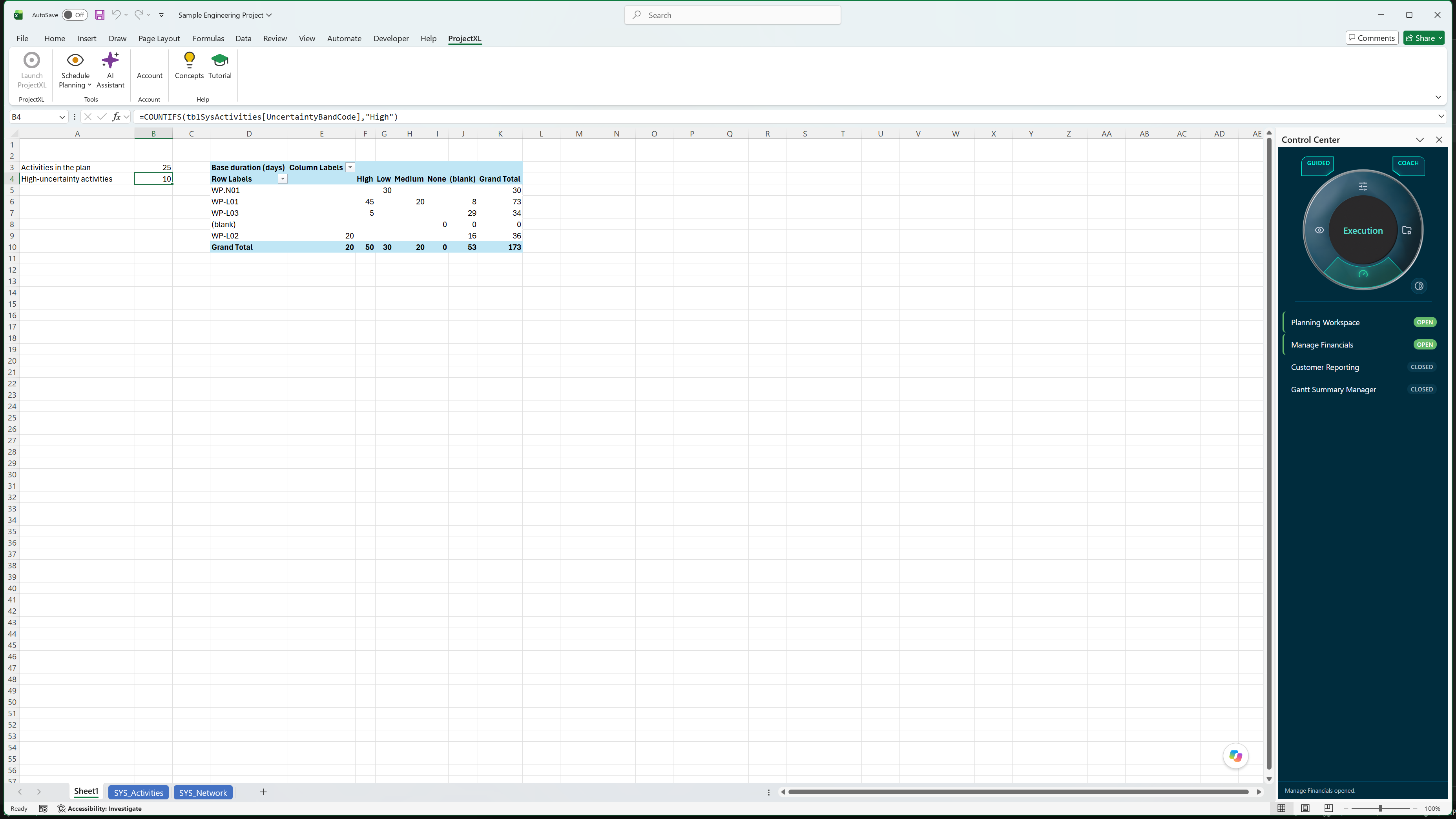
Your WBS, activities, assignments, rates, and actuals live in native Excel tables you can read with formulas, PivotTables, and Power Query, and edits made directly in the sheets are still validated.
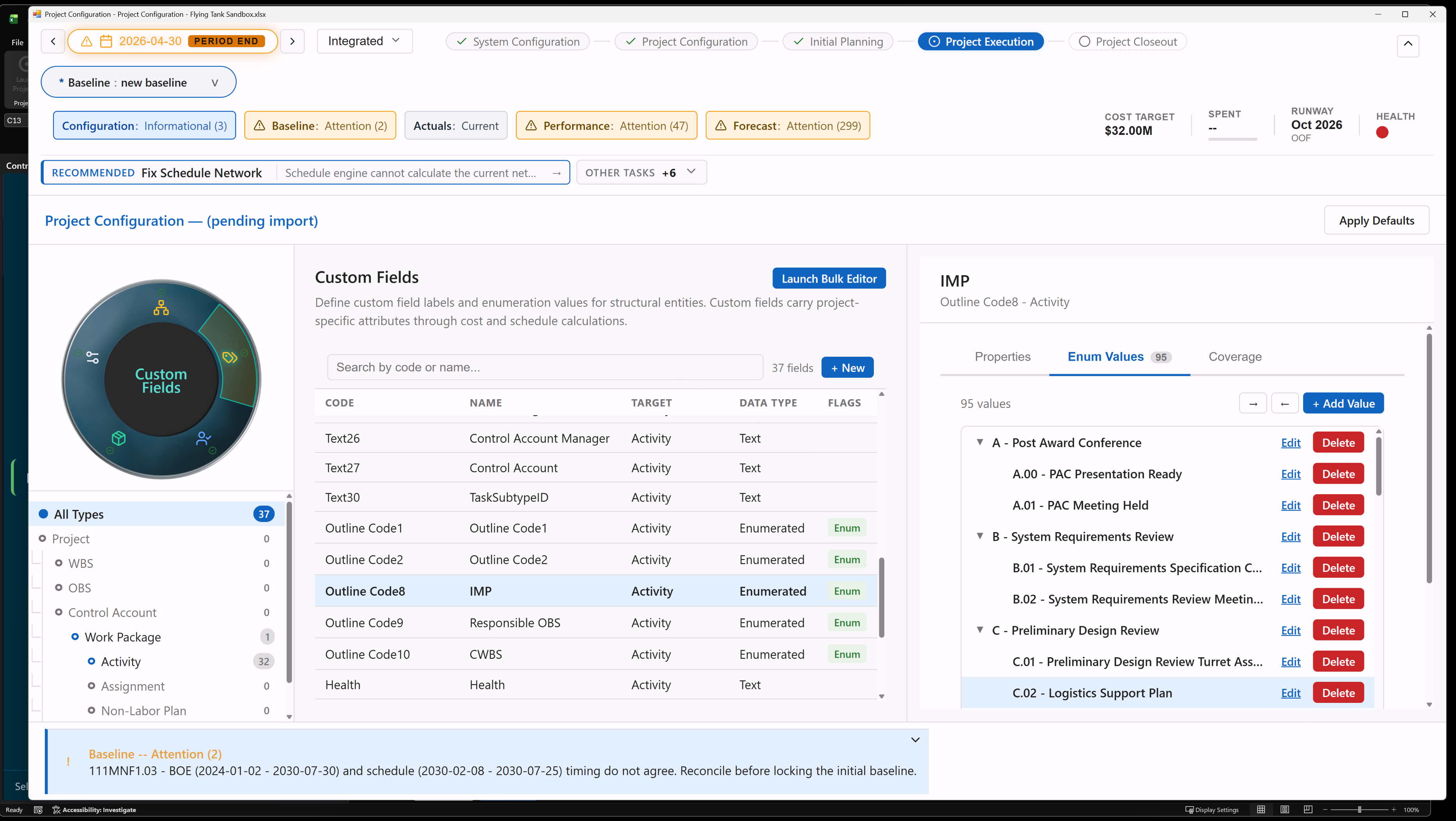
Custom Fields
Add text or pick-list fields, flat or hierarchical, to projects, WBS, OBS, control accounts, work packages, resources, activities, and assignments, then group the Gantt and schedule network by them.
Excel Bulk Editing
Open any set of custom fields as columns in an Excel table, fill, paste, sort, and filter as usual, then commit every change through the same validation as the editors.
Snapshot-Sourced Reporting
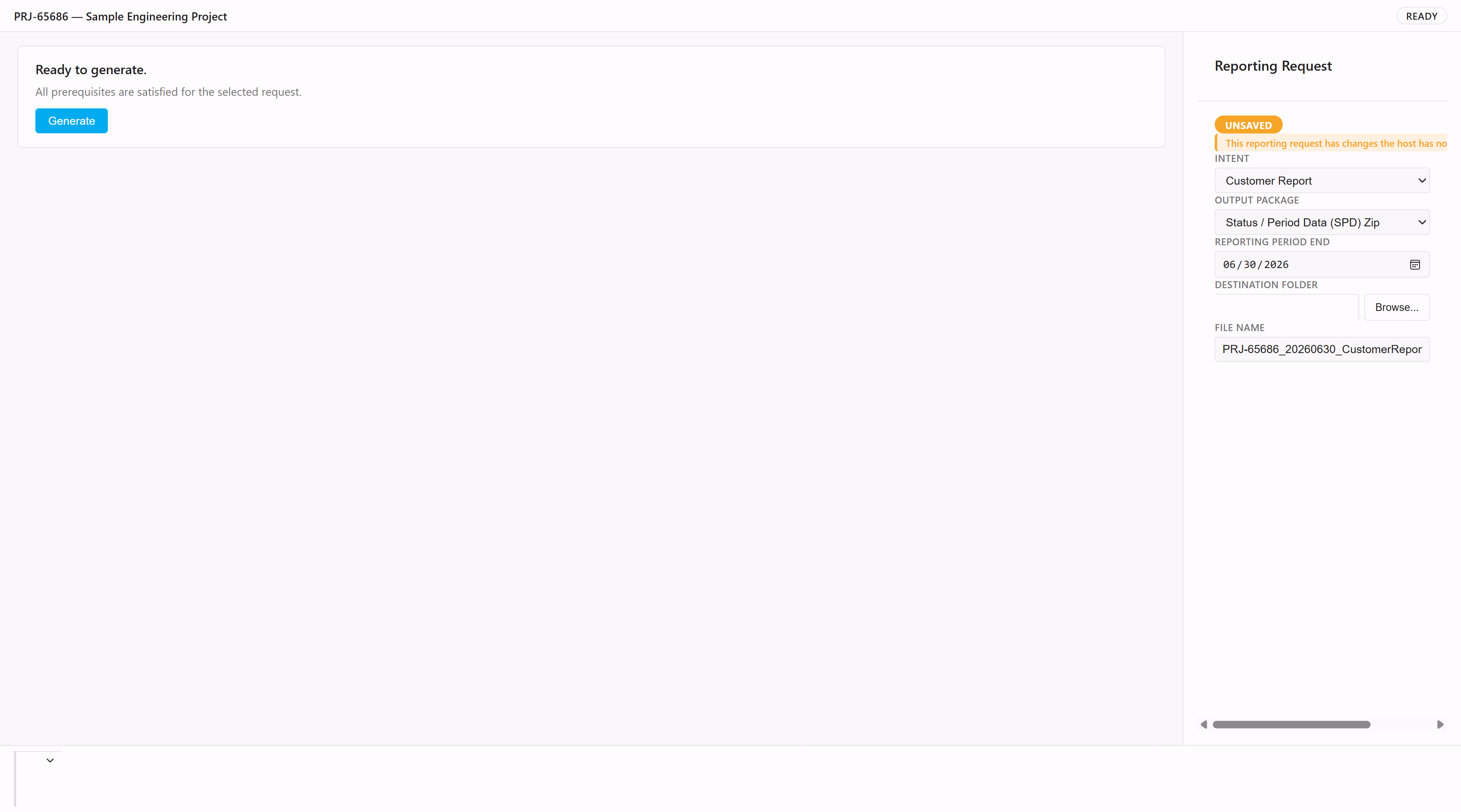
The Customer Reporting workspace checks readiness, names anything blocking a clean report, and builds each analytics dataset or customer report package from a governed snapshot for the reporting period, so every output can be traced to a fixed point in time.
Numeric and Date Custom Fields
RoadmapOn the roadmap: number, currency, date and yes/no custom field types, so custom fields can carry project-specific measures as well as text and pick-list tags.
Direct Analytical Access
RoadmapOn the roadmap: direct workbook access to earned value, EAC and time-phased cost records, so analysts can build custom EAC checks, dashboards, and workbook models against live ProjectXL rows instead of exporting them first.
BI-Ready Export Packages
RoadmapOn the roadmap: schedule history, snapshot comparisons, and risk outputs exported in analysis-ready shapes, so downstream BI tools can use governed data without manual translation.
Preconfigured Power BI Semantic Model
RoadmapOn the roadmap: a companion Power BI model that starts teams with schedule health, schedule performance, and trend measures already mapped, while still leaving room for custom analytics.