Learning the Tool
TMS

Step-by-Step Tutorial

A built-in tutorial of 50 lessons in three parts tours every workspace, plans and controls a sample project, then sets up your own, all in a separate practice workbook that never touches your live project.

Lessons That Check Your Work

Each lesson highlights the control to use, watches you perform the real action in the real workspace, and confirms each step as complete before you continue, with your progress saved.

Learn Earned Value on a Sample Project

Guided lessons capture a baseline, advance the status date, record progress and compare to the baseline, then read BAC, BCWP, ACWP, CPI, SPI, EAC and VAC on a prepared sample project.

Watch, Then Do

Every lesson opens with a picture of where it starts, with the first control outlined, and core lessons include a short captioned video clip to watch before you try it yourself.

User Journey Assistance

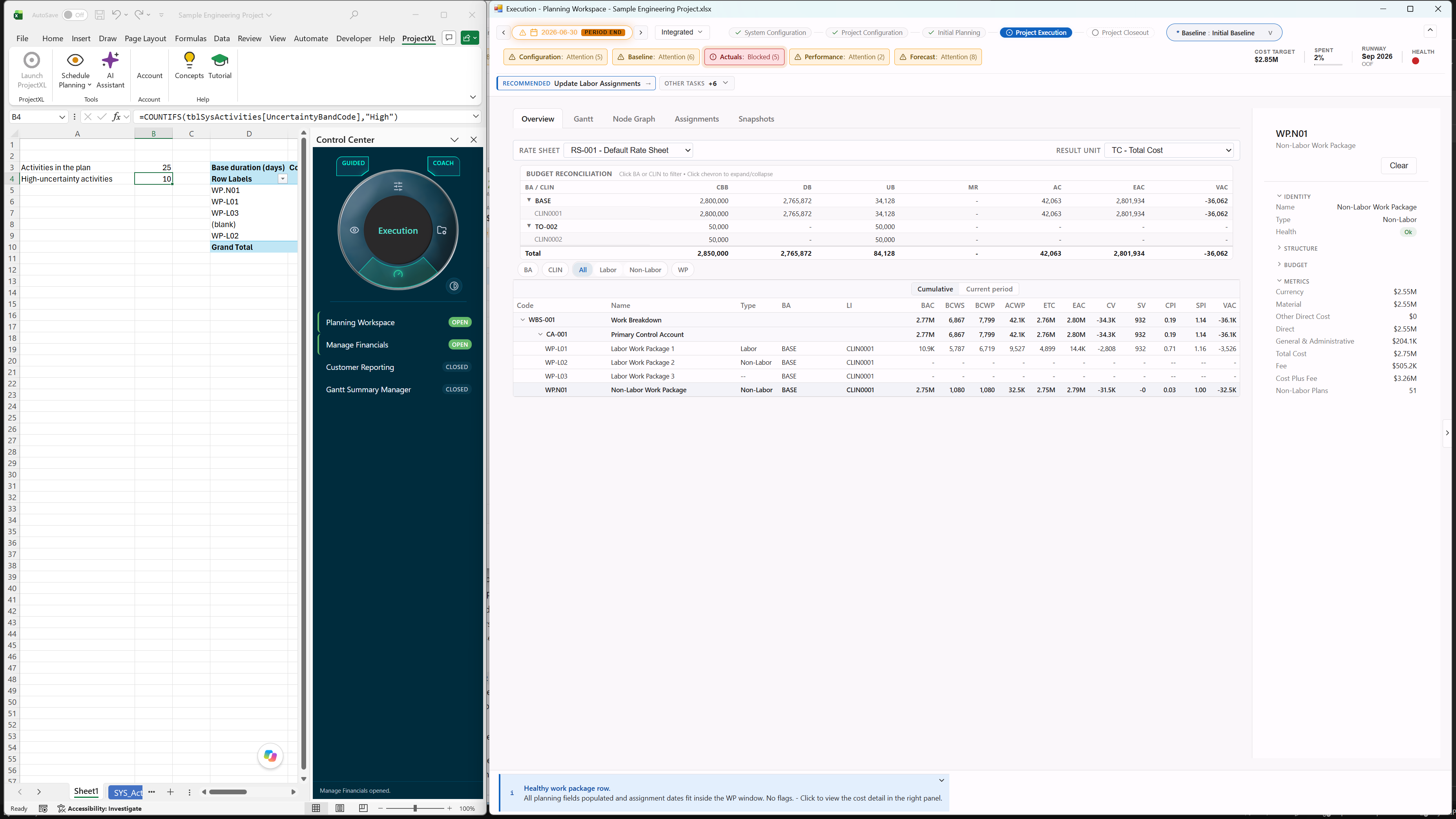
Choose an Integrated, Schedule Only or Basis of Estimate journey, and ProjectXL keeps you oriented in the right stage, from system configuration through execution and closeout.
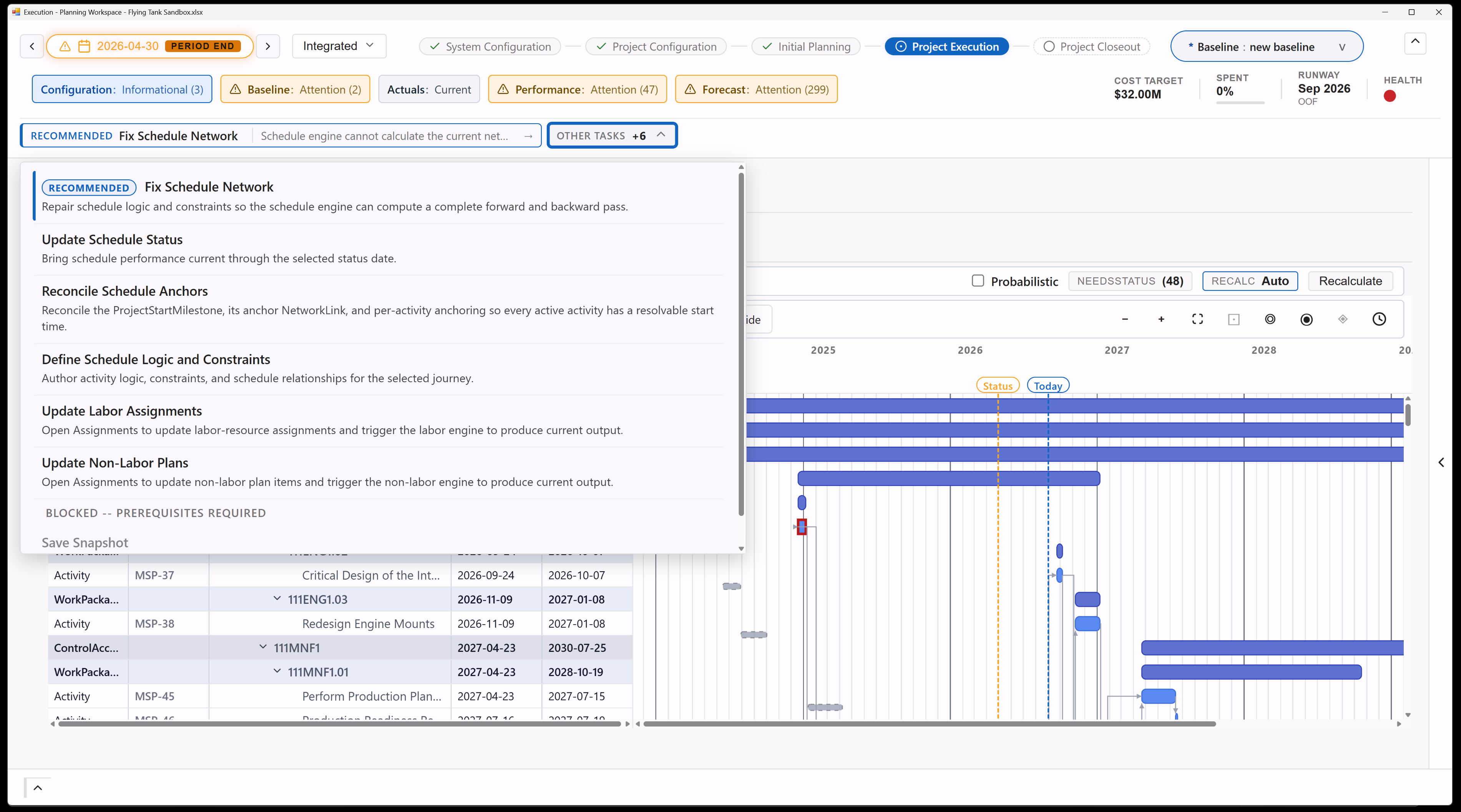
User Journey Assistance

Task Recommendations by Lifecycle Phase

Recommended tasks translate lifecycle state into the next useful action, helping users move the plan forward without memorizing every governance rule.
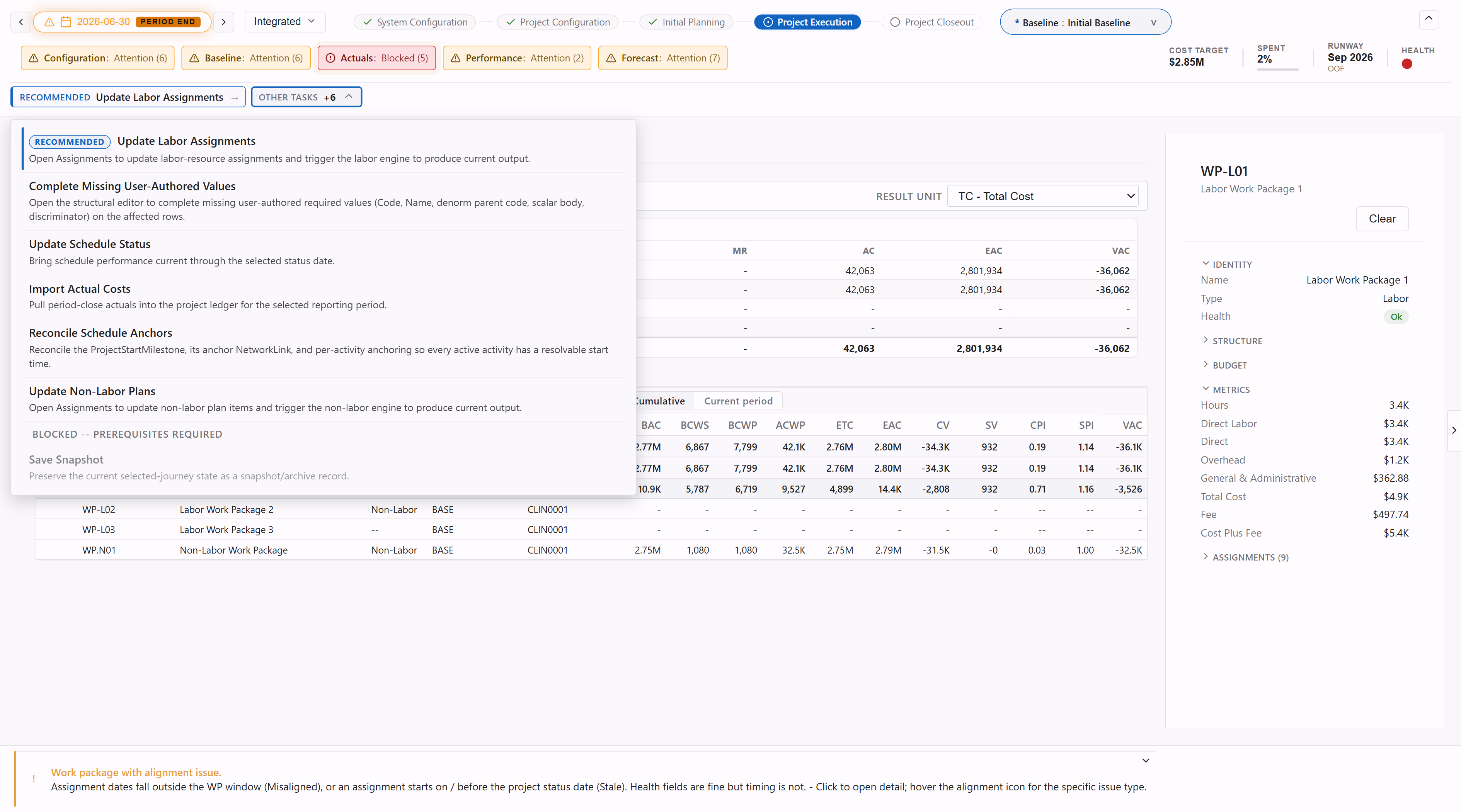
Task Recommendations by Lifecycle Phase

Live Data Health

Health indicators show configuration, baseline, actuals, performance, and forecast validity with clear reasons, so warnings explain the problem instead of leaving users to decode it.
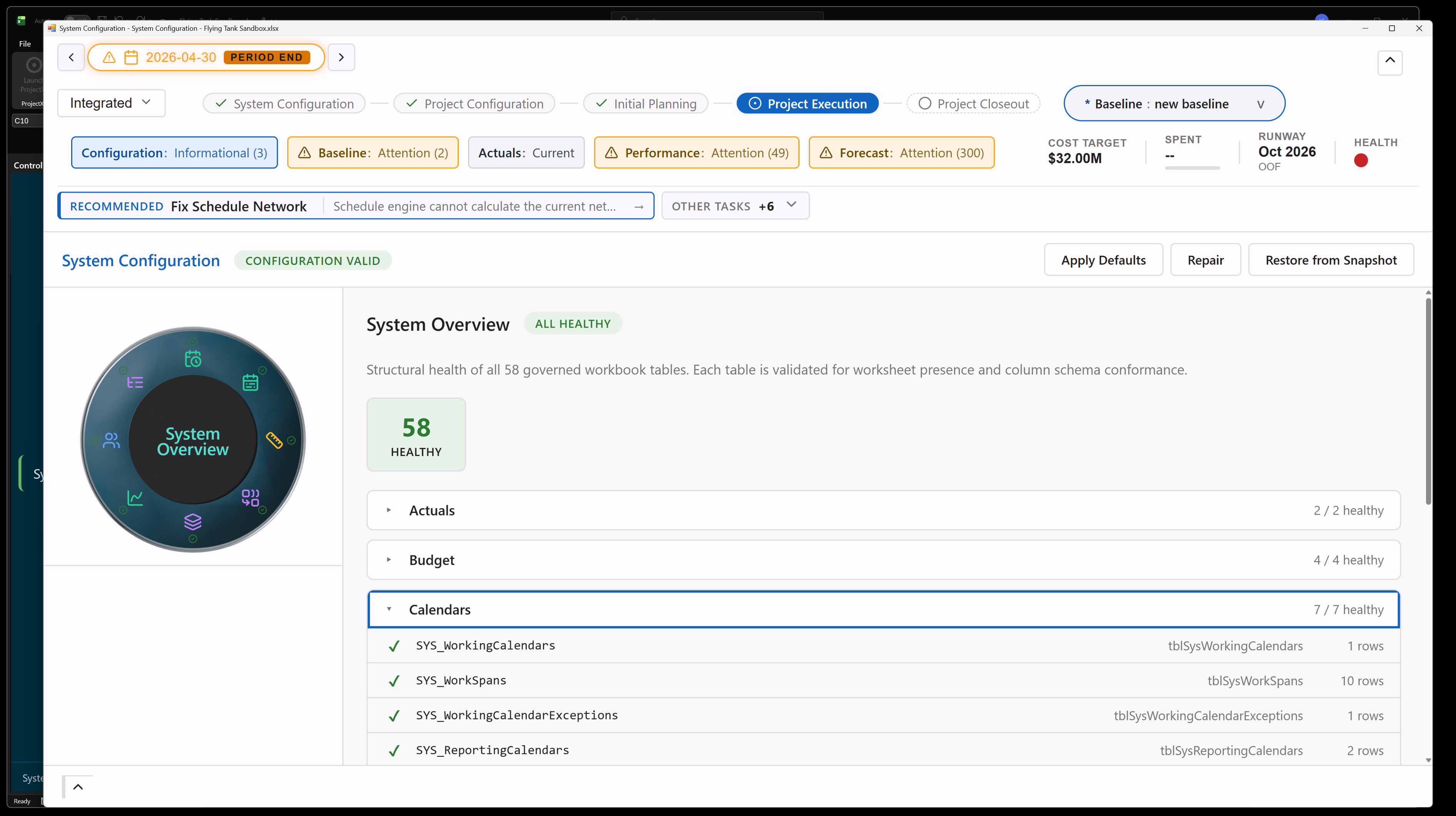
Live Data Health

Concepts and PMI Glossary

A Concepts window opens on first launch and from the ribbon, explaining how ProjectXL structures project control and defining terms such as BAC, EAC, CEI/BEI, control account and work package.
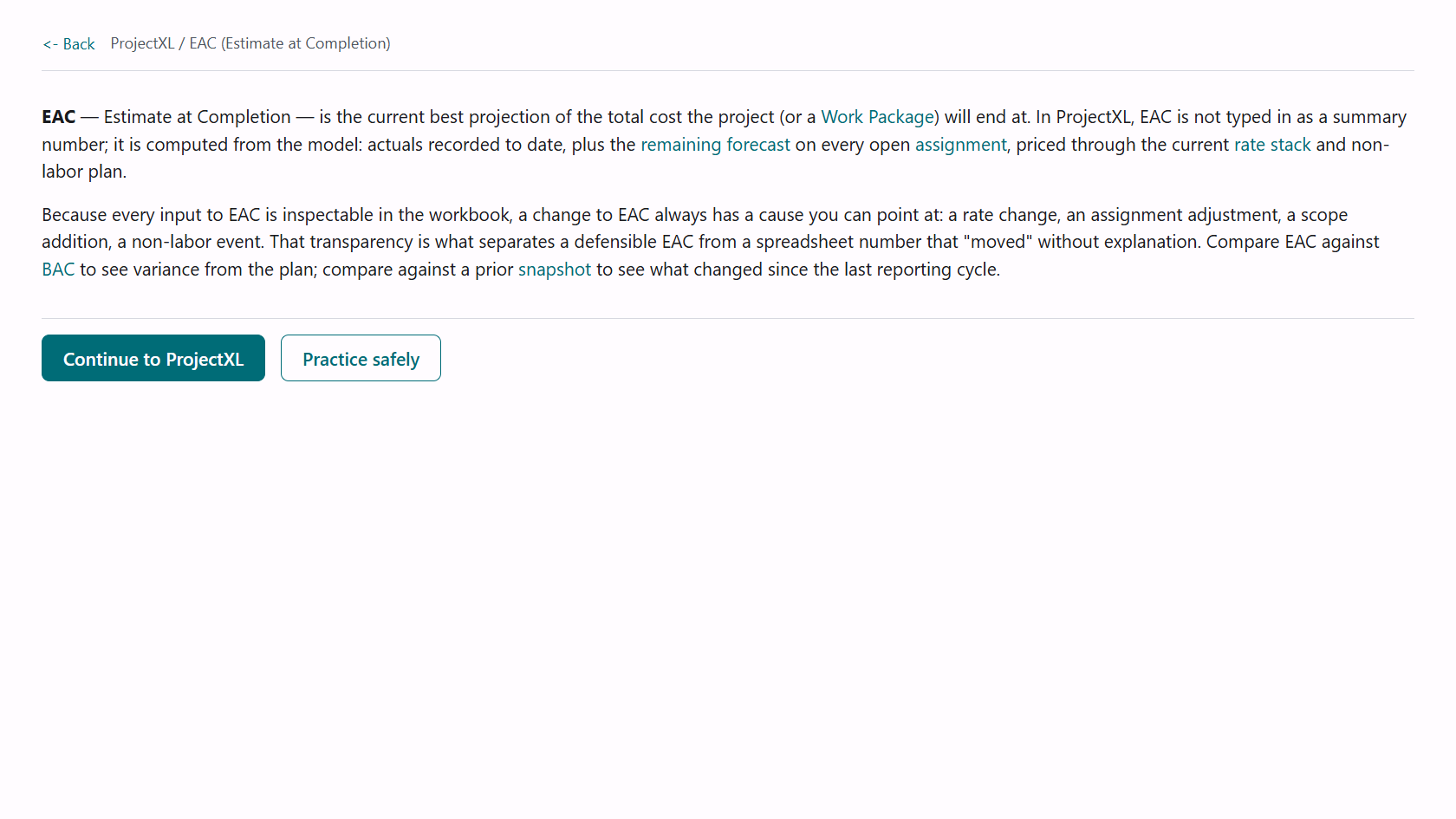
Concepts and PMI Glossary

Guidance You Can Dial Down

Coach and Expert settings change how much explanation each workspace shows, and Guided and Manual settings decide whether ProjectXL advances for you, with the same governance applied in every setting.
Guidance You Can Dial Down
home Home inventory_2 ProjectXL hub Services menu_book Knowledge Base info About forum Forum